 purifier-stats
Your air,
in plain text.
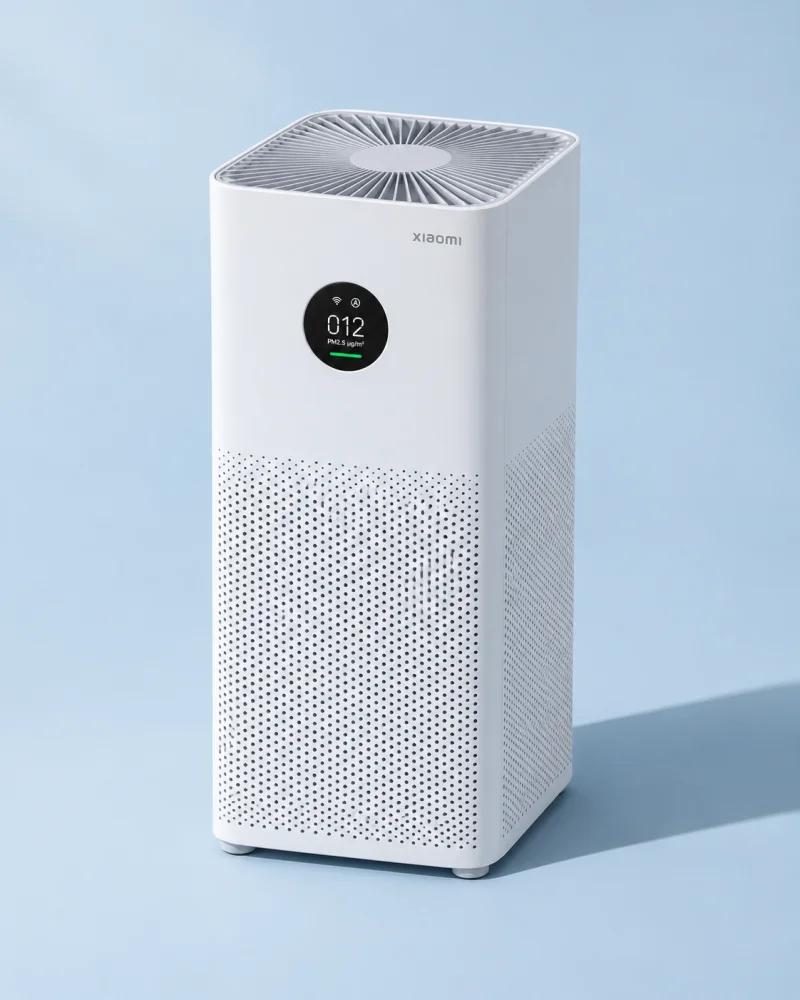
Read your Xiaomi Smart Air Purifier 4 Lite over local Wi-Fi. Get its sensor readings in Python, in your terminal, or through a coding agent.
Inside a reading
Select a field to see its value in the sample response.
12 µg/m³ of fine airborne particles.
$ purifier-stats
{
  "ip": "192.0.2.10",
  "model": "zhimi.airp.rmb1",
  "power": "on",
  "mode": "Auto",
  "pm2_5_ug_m3": 12,
  "temperature_c": 22.5,
  "humidity_percent": 45,
  "filter_life_percent": 84
}
Get started
Install on a computer on the purifier’s Wi-Fi. During private testing, your GitHub account needs repository access.
Command line
Install with uv, choose your Xiaomi Home region, then scan the QR code to pair. Future reads use the token in your OS credential store.
gh repo clone thepushkarp/purifier-stats
cd purifier-stats
uv tool install --python 3.12 .
purifier-stats setup
purifier-stats
Python
Run pip install . in a virtual environment from the
checkout. Read the same fields from the paired device.
from purifier_stats import Purifier

readings = Purifier.paired().stats()
print(readings["pm2_5_ug_m3"])
Agent skill
Install the skill directly from GitHub and select your coding agent. It can guide pairing and read the purifier on request.
npx skills add thepushkarp/purifier-stats --skill purifier-stats